Modifiers
Be Procedural
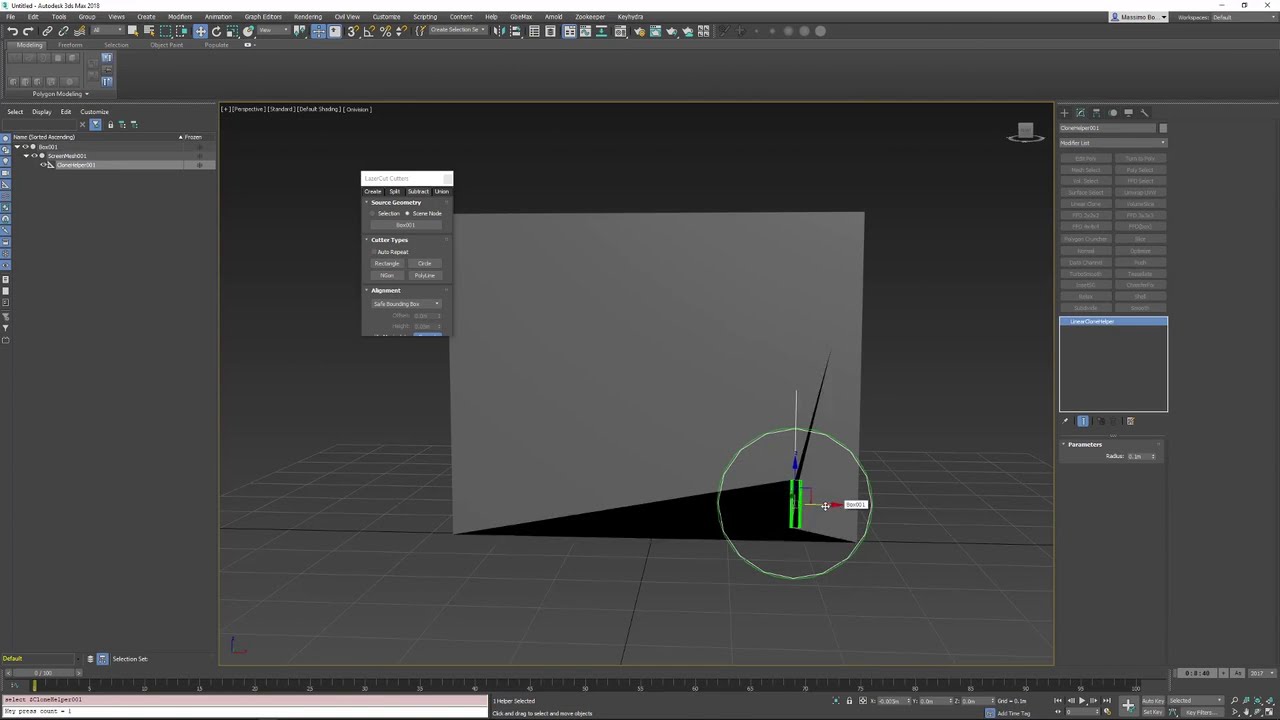
KeyHydra package comme with some modifiers.
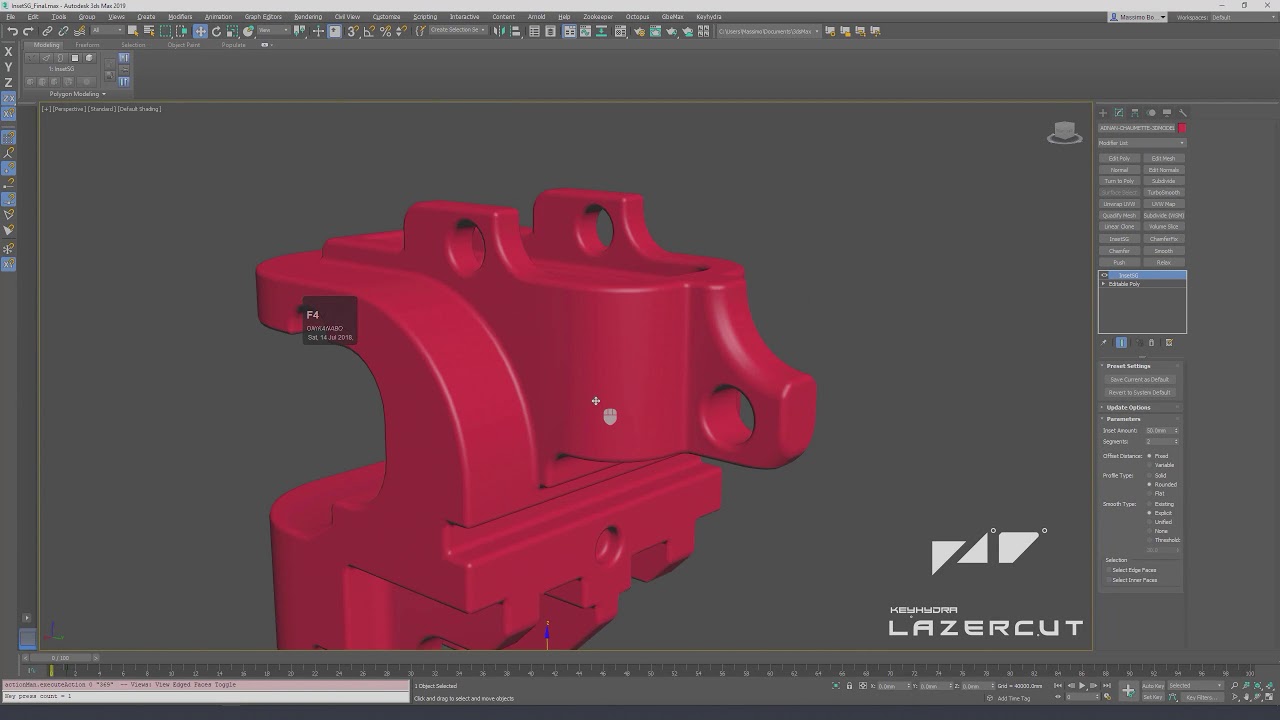
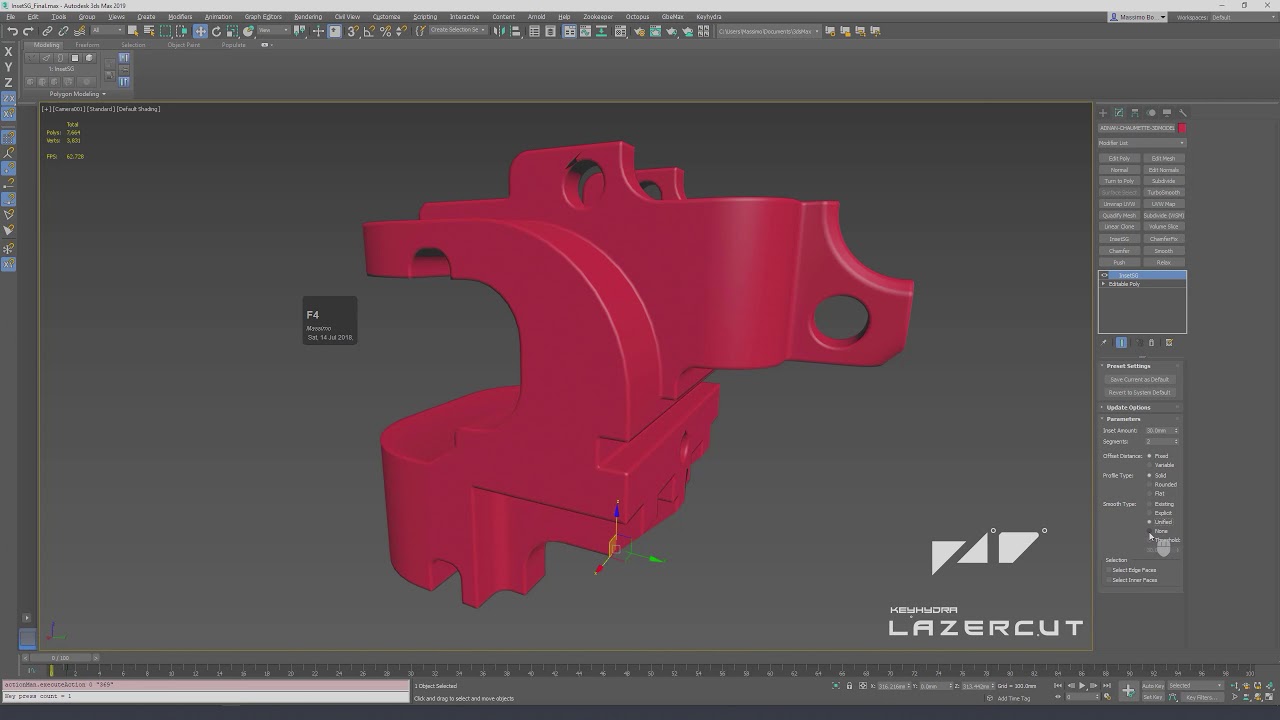
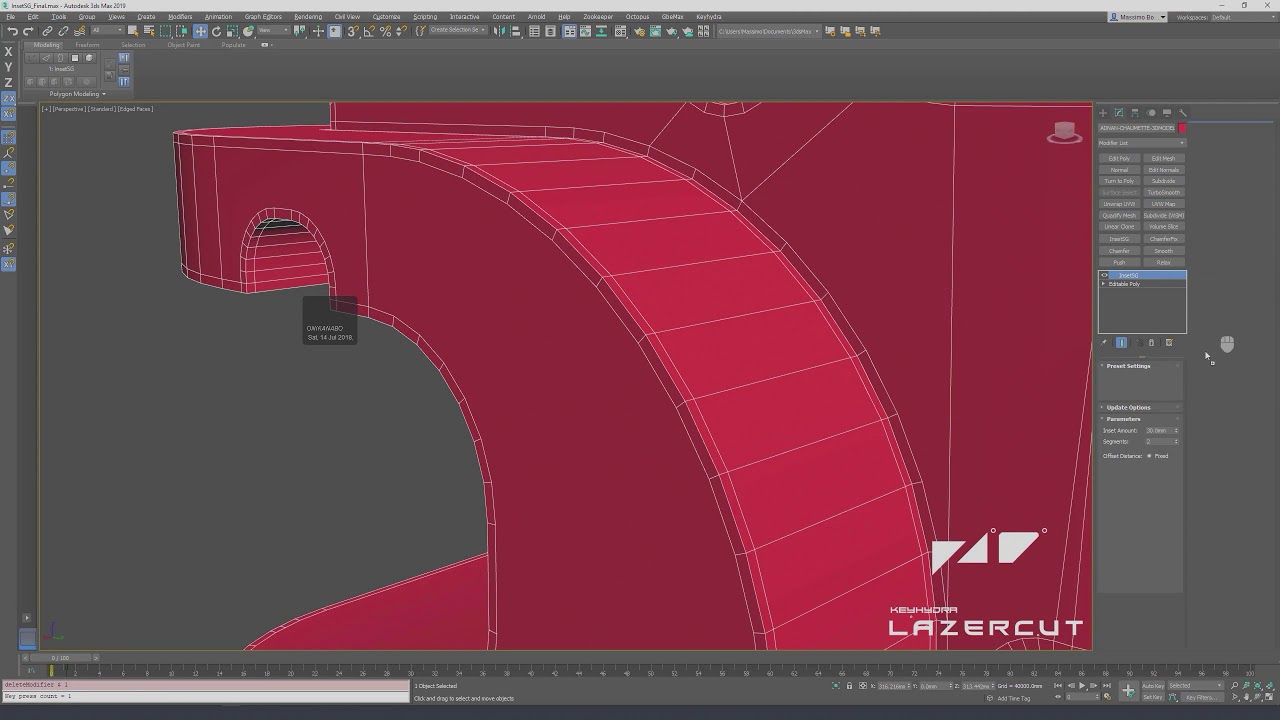
Circular Clone, Linear Clone, Volume Slice, Wrap&Conform as well as InsetSg [Now part of 3DSMax - So Called Inset Flow]
Staying flexible from the beginning to the end is Important !
This is why we need Procedural Modifiers.
Our Modifiers allow last-minute changes no matter which project you’re working on.
I come from the future, and proceduralism is the future.
T1000 - Somwhere in 2027
Intuitive
We try to have the best UI and ease of use.
Each modifiers do come with a quick preset feature too.
Stable
If you find a bug please tell us we will fix it.
Powerfull
Our Modifiers will allow you to model more complex shapes.
Procedural
Stay Flexible & Iterate.
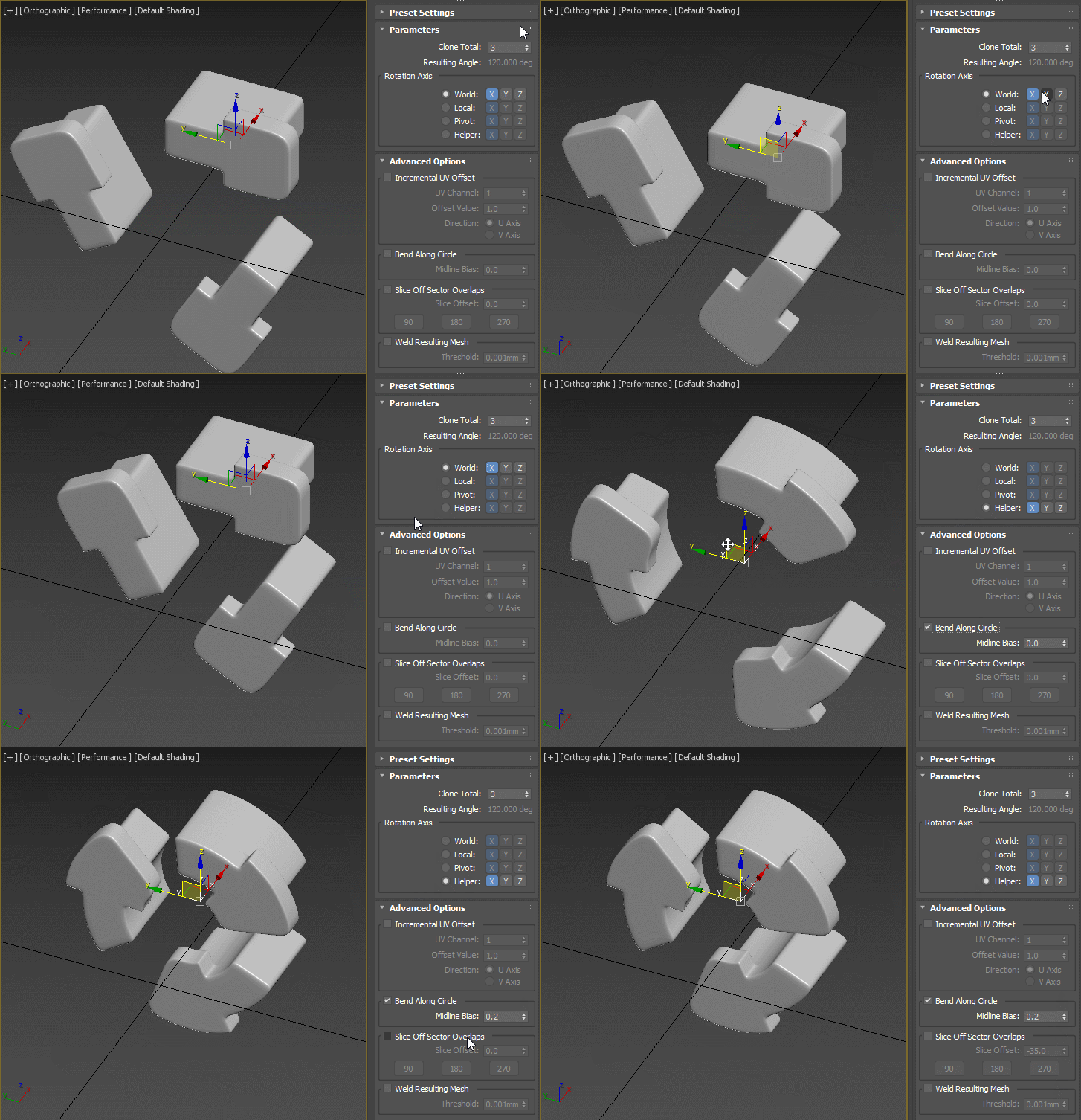
Circular Clone Axis Options
Circular Clone accepts differents Rotation axis :
-
World
-
Local
-
Pivot
-
Or even an helper that can be moved after.
Circular Clone
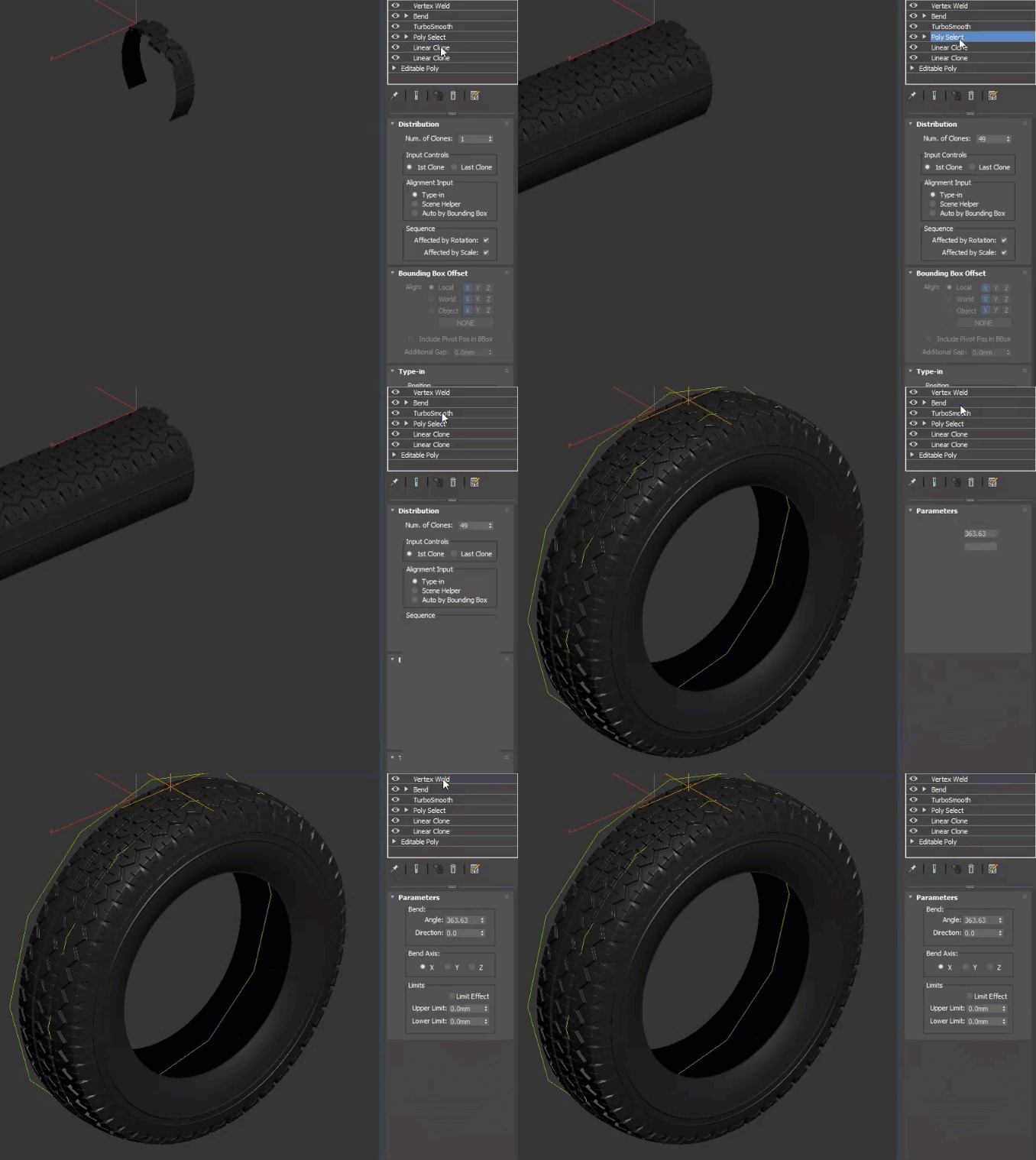
Bend Feature
This gif shows the "Bend" feature of our Circular Clone Modifier.
We first use "KeyHydra Linear Clone" to multiply a pattern , than we use "Circular Clone" with bending feature in order to obtain the circular shape of that wheel.
And this way we do have a fully procedural wheel.

Linear Clone Last Clone
Clone Heavenly With one helper acting as last clone. Space, Rotation and scale can than be hevenly distributed too.
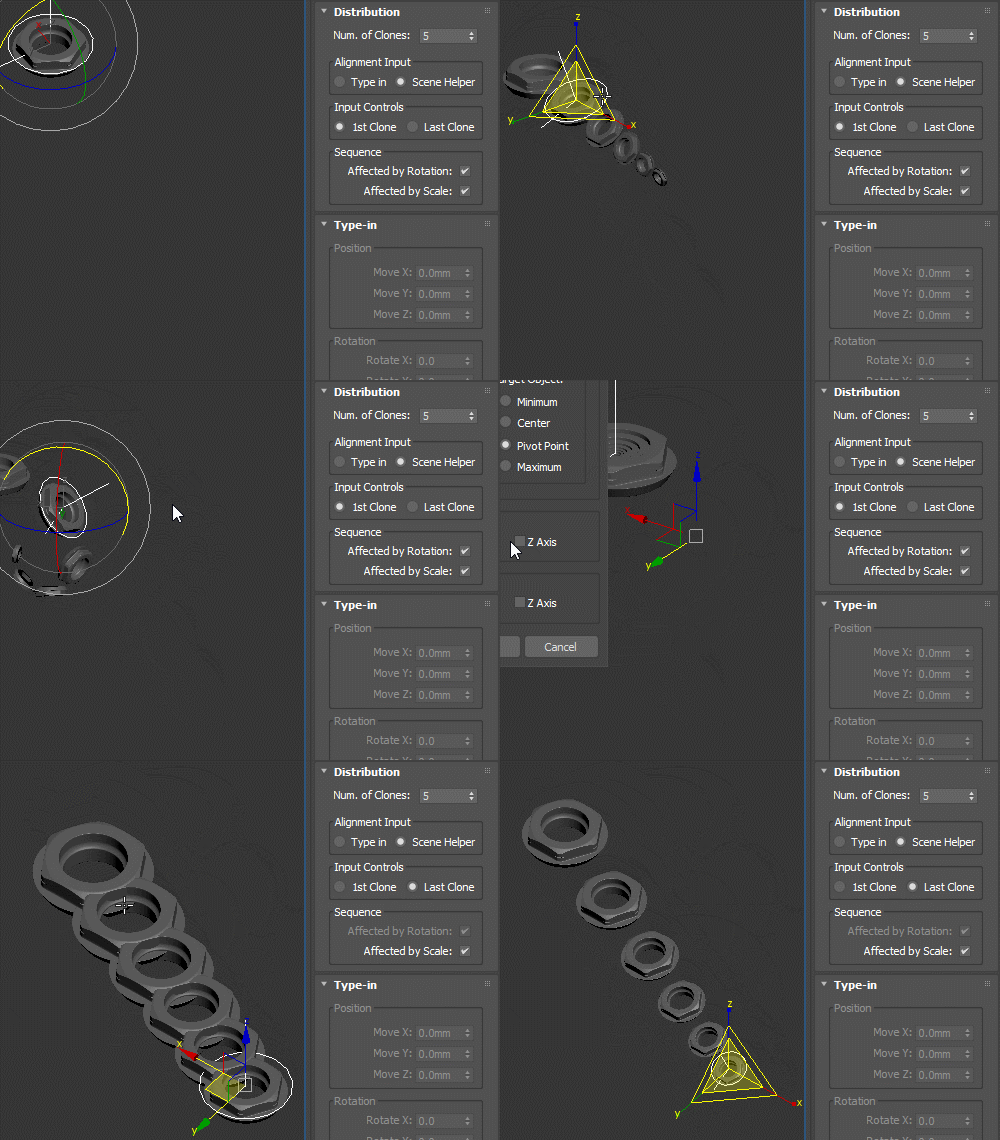
Linear Clone Input Controls
This giff show the 2 differents input control.
-
1St Clone. [Nice mode to obtain complexe cloning sequence].
-
Last Clone. [This one will show an heavenly distribution base of the space in between 1st node and last one].
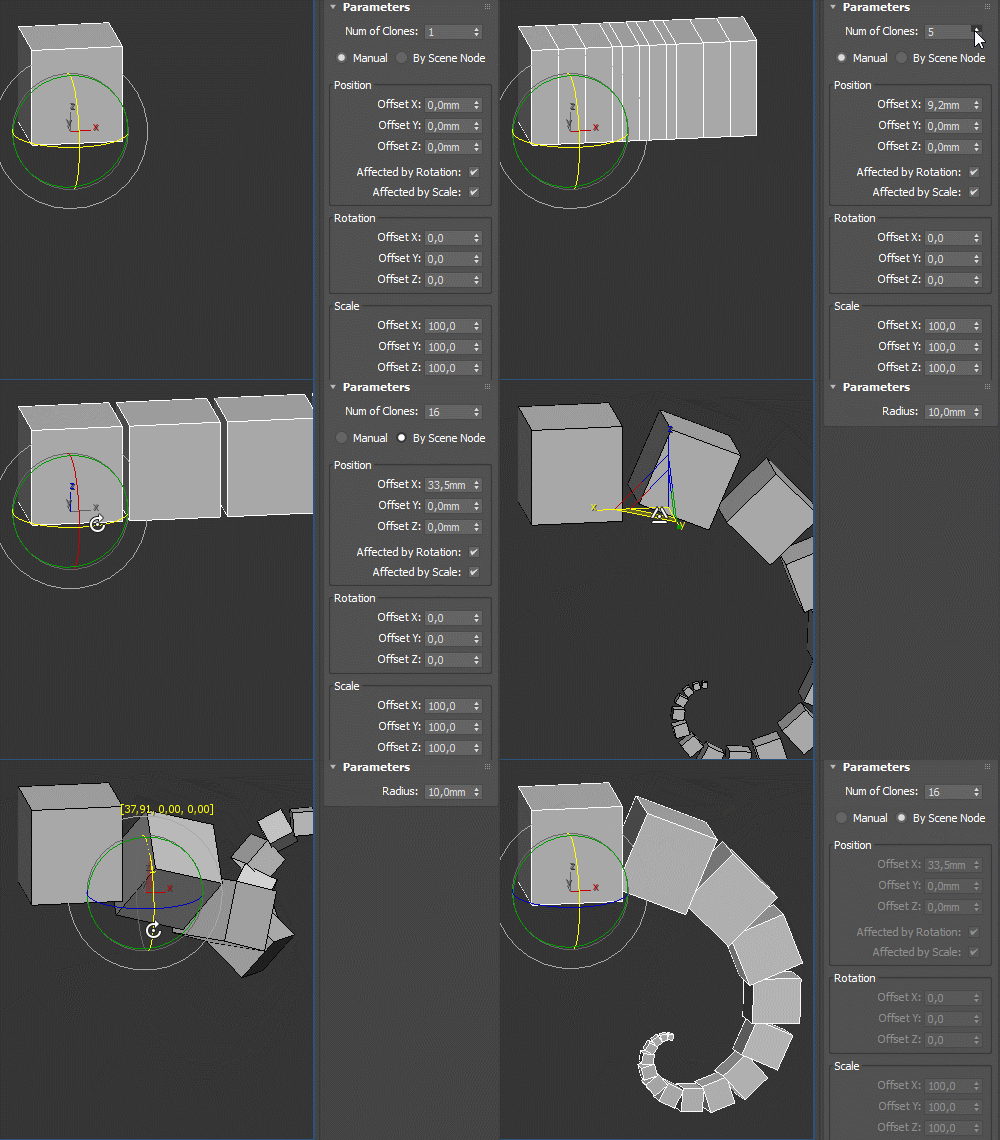
Linear Clone Modes
Users can clone by offset [values] or let the modifiers calculate the spaces in between 1st and last nodes.
You choose !
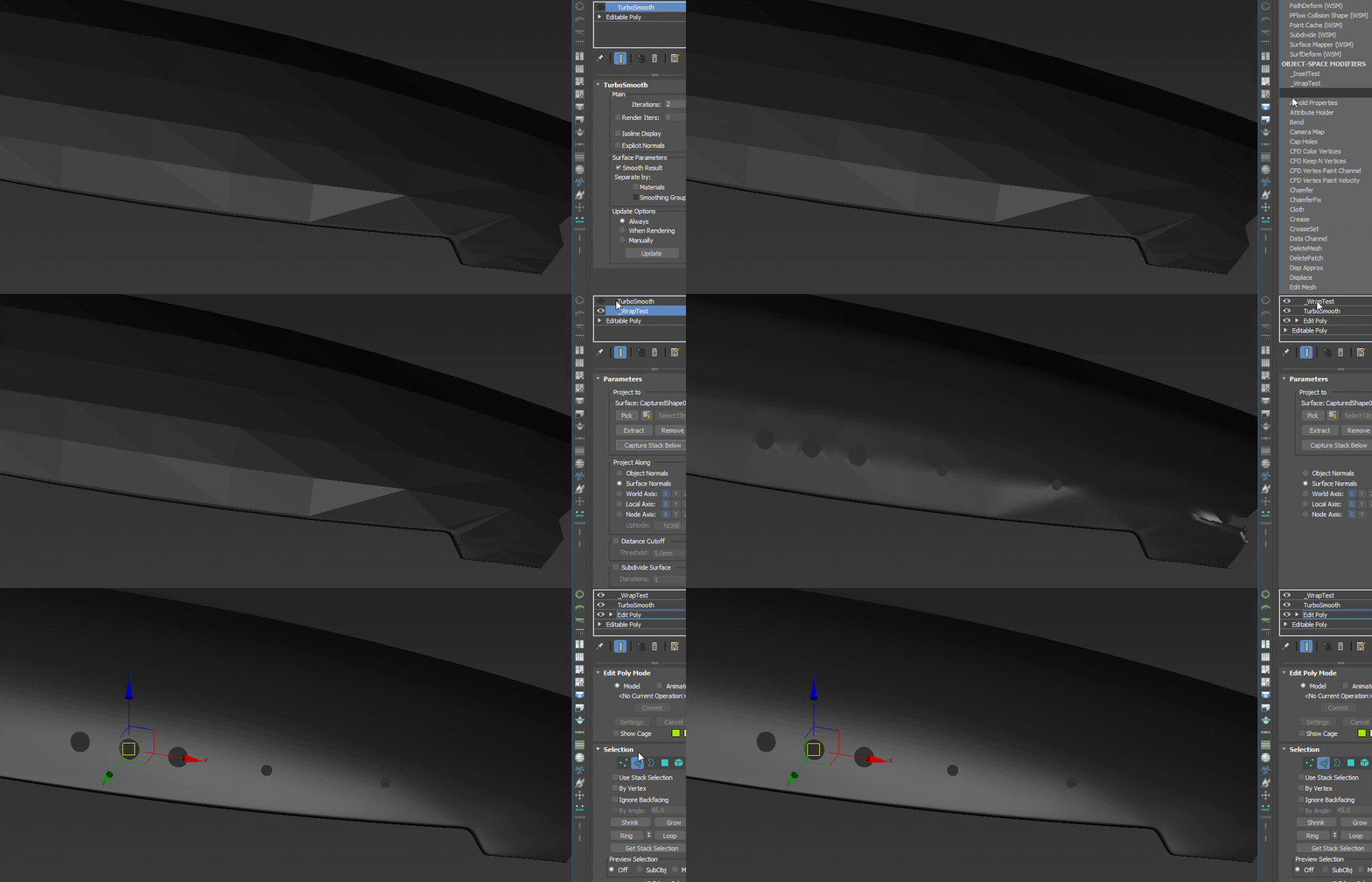
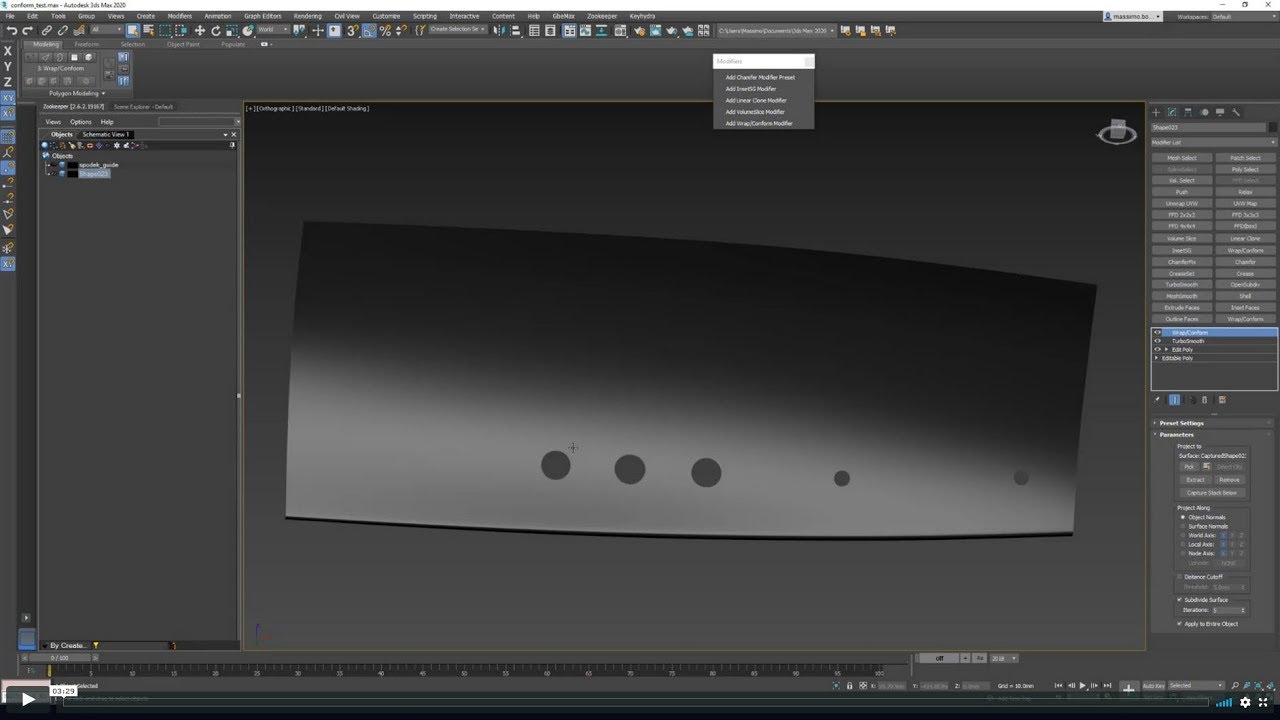
Wrap&Conform
WrapAndConform allows to project a more complex topology onto a simpler one in order to have perfect shading.

VolumeSlice Overview
User can slice by "count" [x slice along BoundingBox] or by "size" [one slice every X meters].
We can also show the grid in order to previz all slices planes.
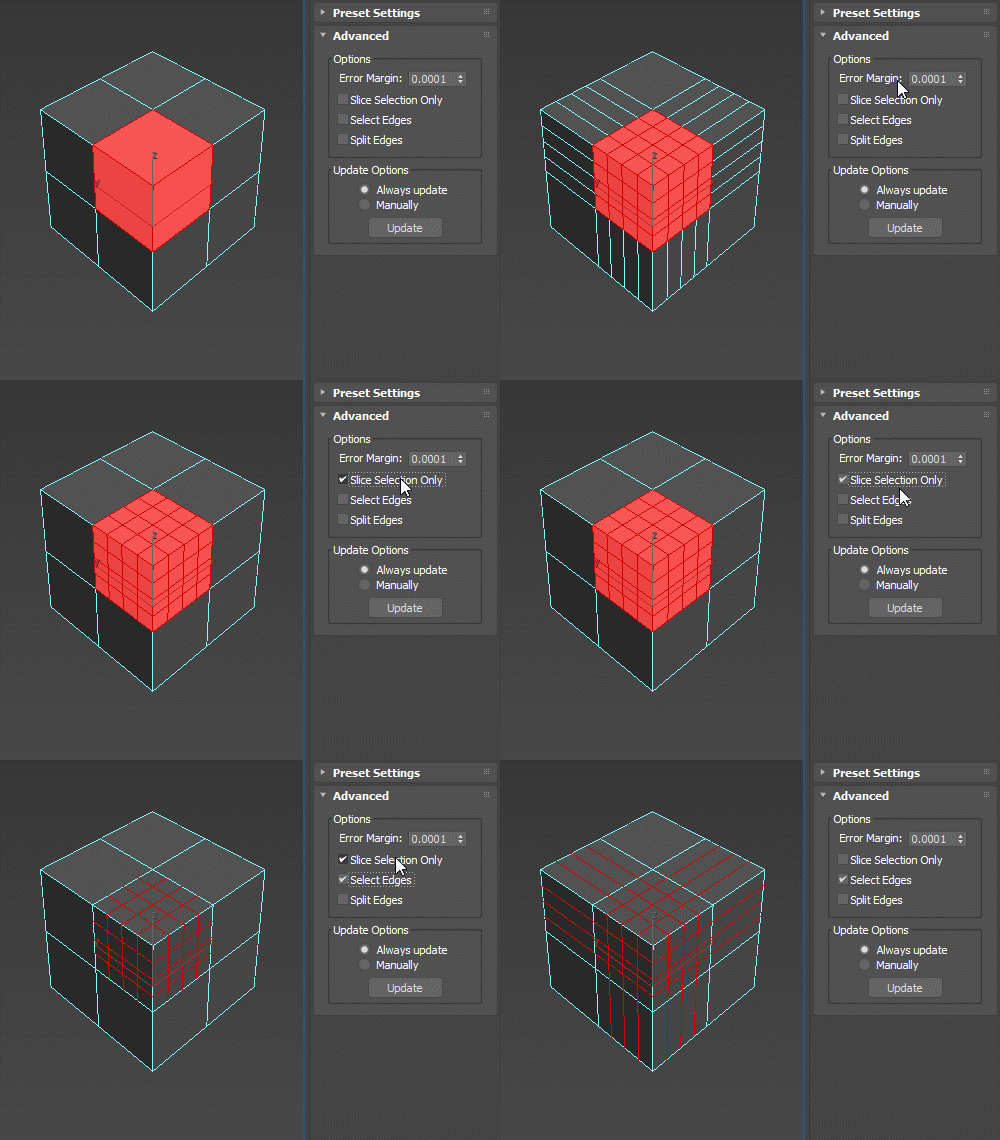
VolumeSlice Options
We can decide to slice selection only and obtain sliced edges as selection output.

InsetSg Presets
ToDo
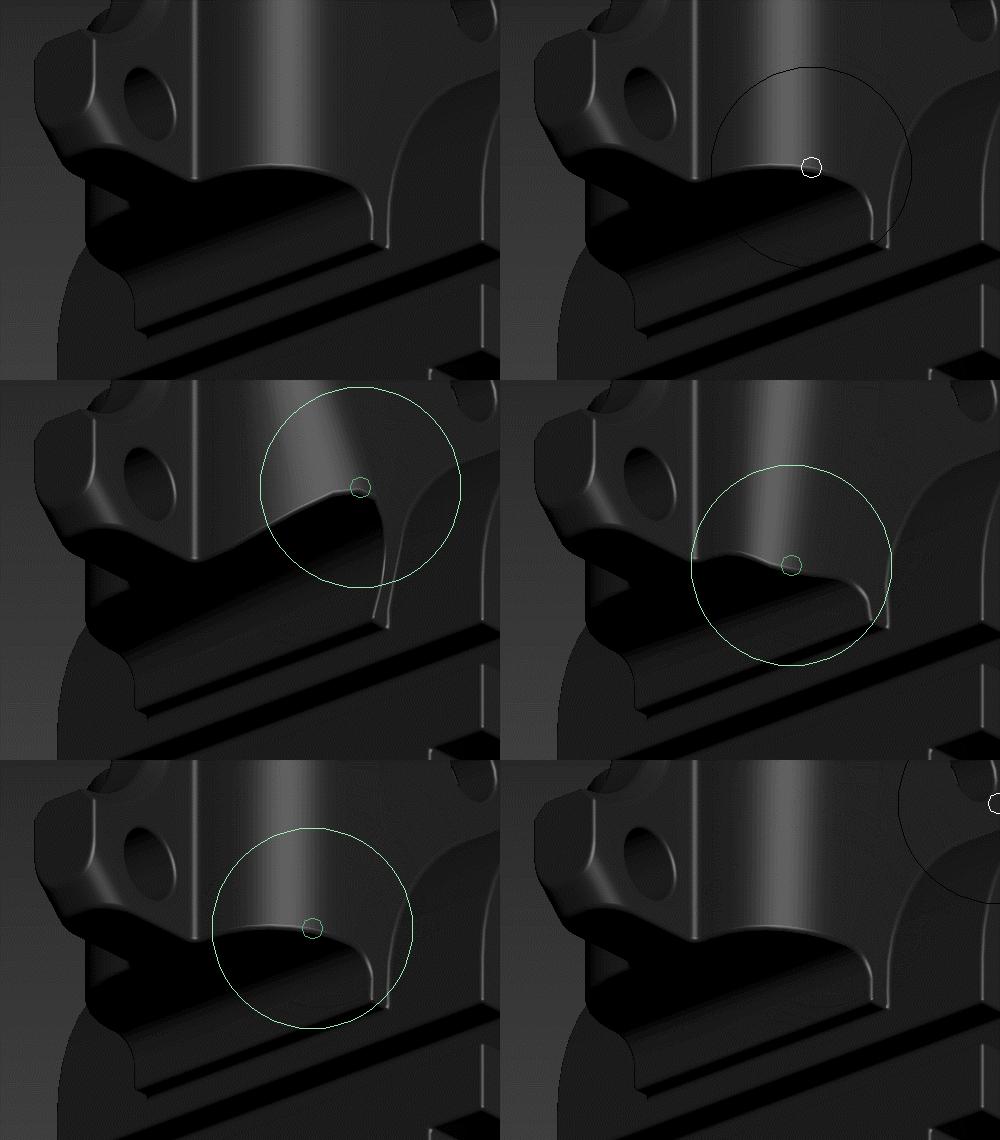
InsetSg Explicit Normals
ToDo
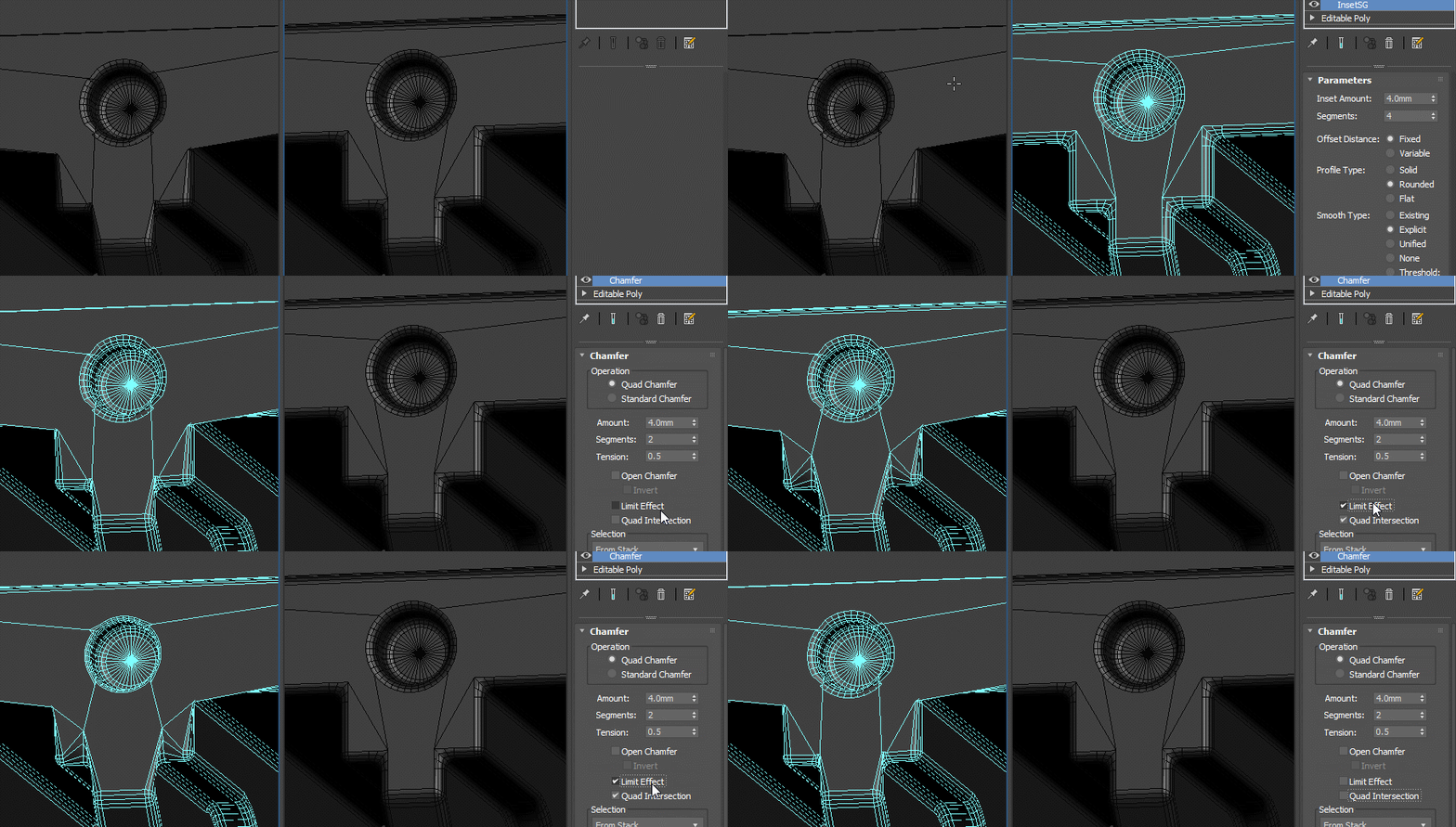
InsetSg Consistent Width
ToDo
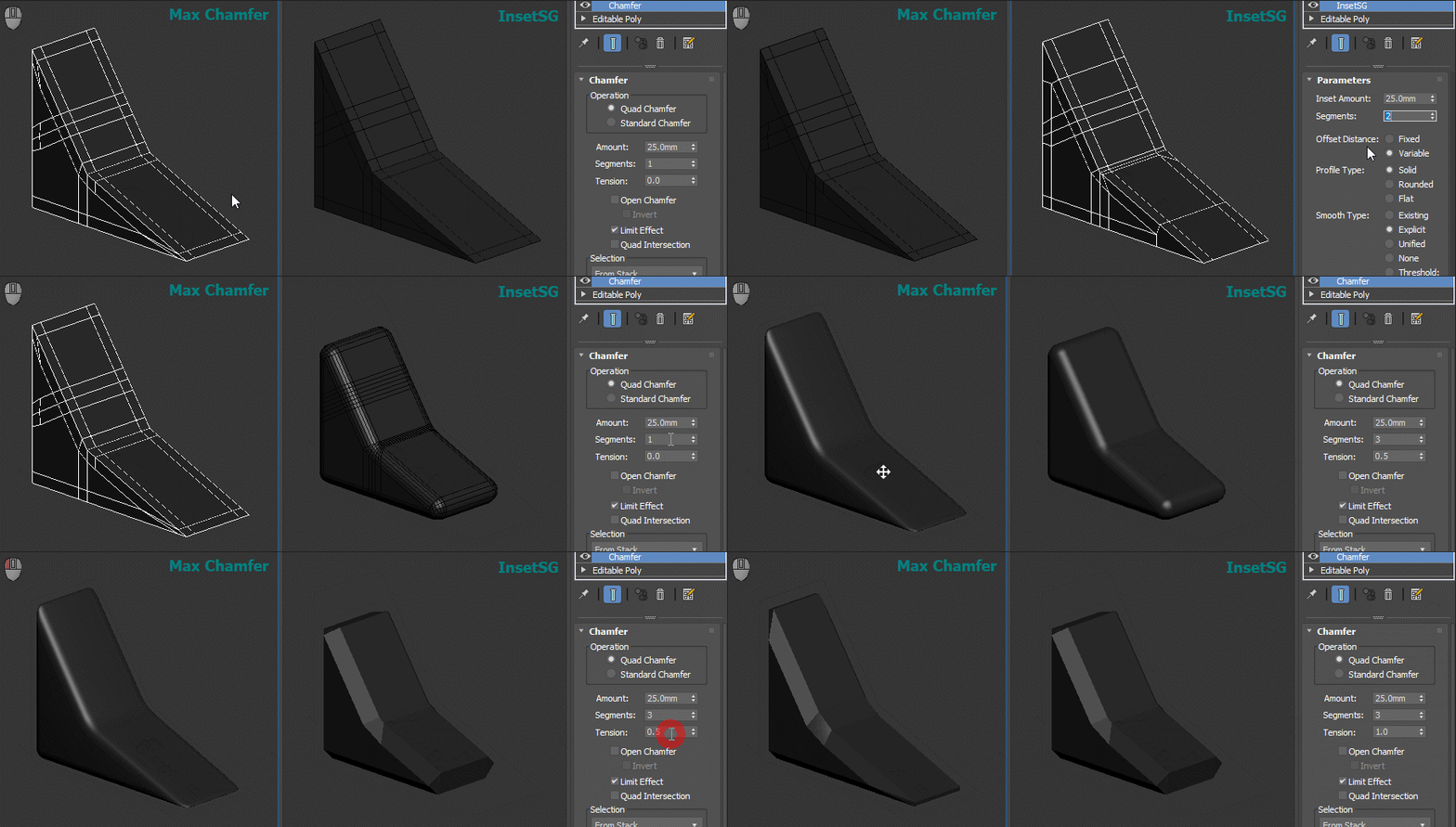
InsetSg Consisten Radius
ToDo
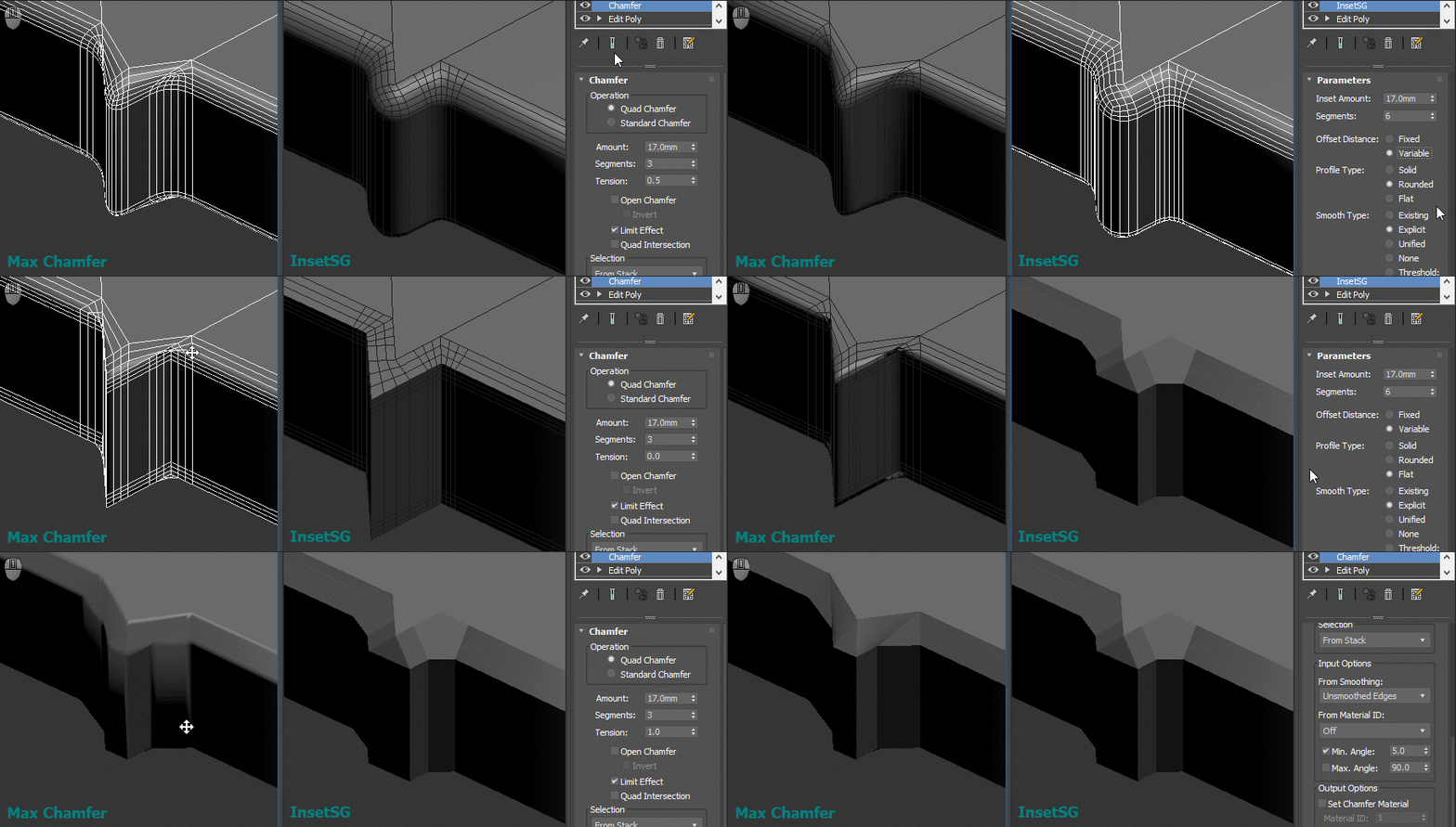
InsetSg Slanted Edges
ToDo